Bring available THC, CBD, and other cannabinoid details into the product card. Review imported values before putting them on the wall.
Before you publish
Bring available THC, CBD, and other cannabinoid details into the product card. Review imported values before putting them on the wall.
One location, one catalog
Pair up to four displays with six-digit TV pairing codes. Every display at the location shares the same catalog. Authorized staff manage products, prices, and stock from the dashboard.
Start with the products you already manage
Connect a Dutchie or Weave IQ menu for automatic stock, price, deal and new-product refresh about every 15 minutes while a TV is active. Menus you enter by hand are edited by hand; review source products before publishing.
Give each product room to be seen
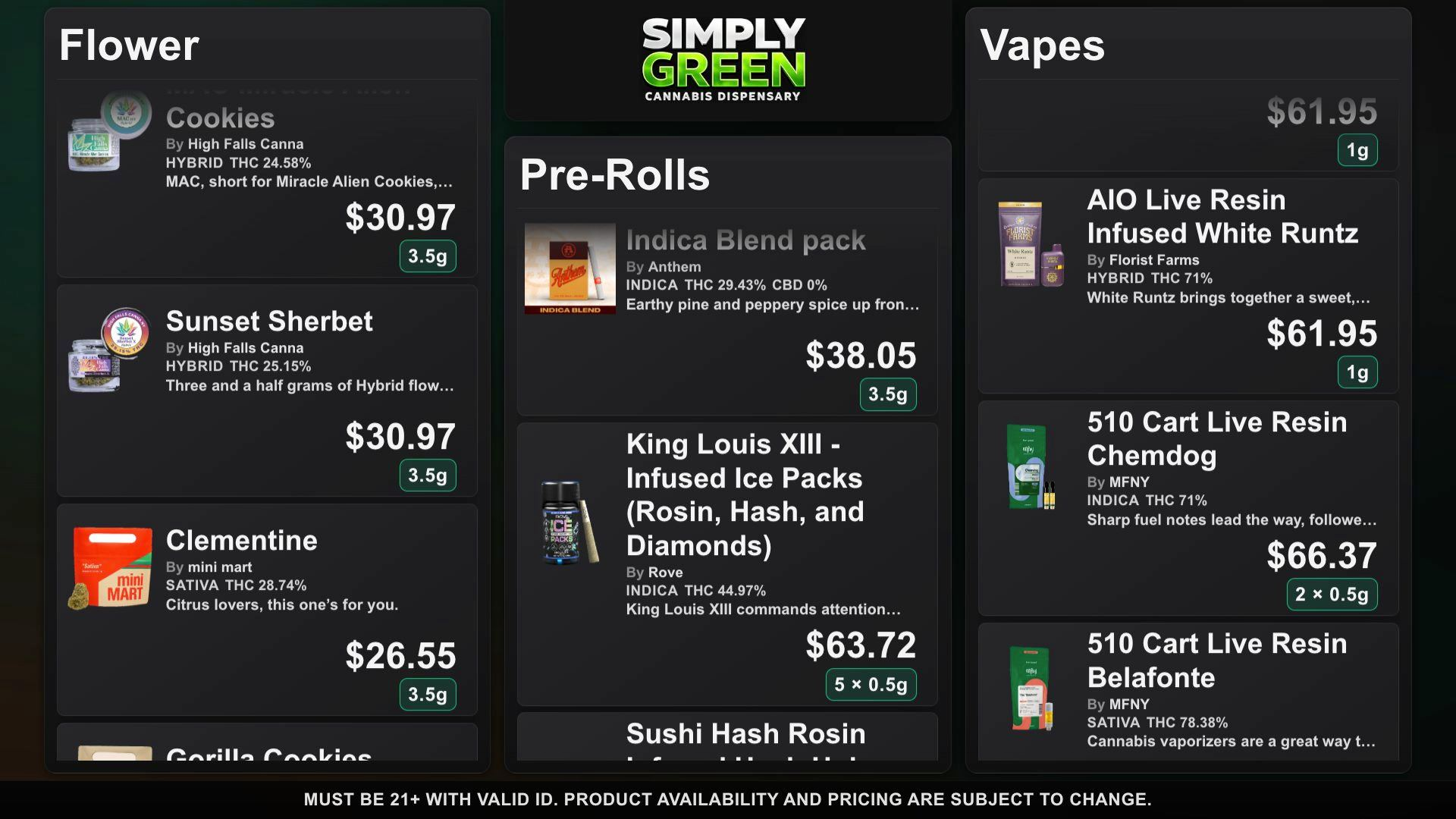
Choose among 24 themes with full color, logo and font control. Image-first cards show product photos, prices and weight chips. DubHaven designs bespoke boards on request: custom layouts, typography and animated ambient backgrounds built around your brand. Use continuous scroll or page rotation for longer menus.
Put the offer where customers can see it
Featured Deals and a manual specials editor give promotions a dedicated place on the board. Connected TVs show saved phone edits. Dutchie and Weave IQ menus also refresh stock, prices and deals about every 15 minutes while a TV is active.
Frequently asked questions
Do I need a dedicated signage player?
Use a display with a compatible web browser and an internet connection. Test your intended hardware with the demo before rolling out.
Can I give each display a separate catalog?
No. Up to four displays at a location share one catalog.
How do staff sign in?
DubMenu uses DubHaven single sign-on. The shared 21+ gate applies across DubHaven properties.